
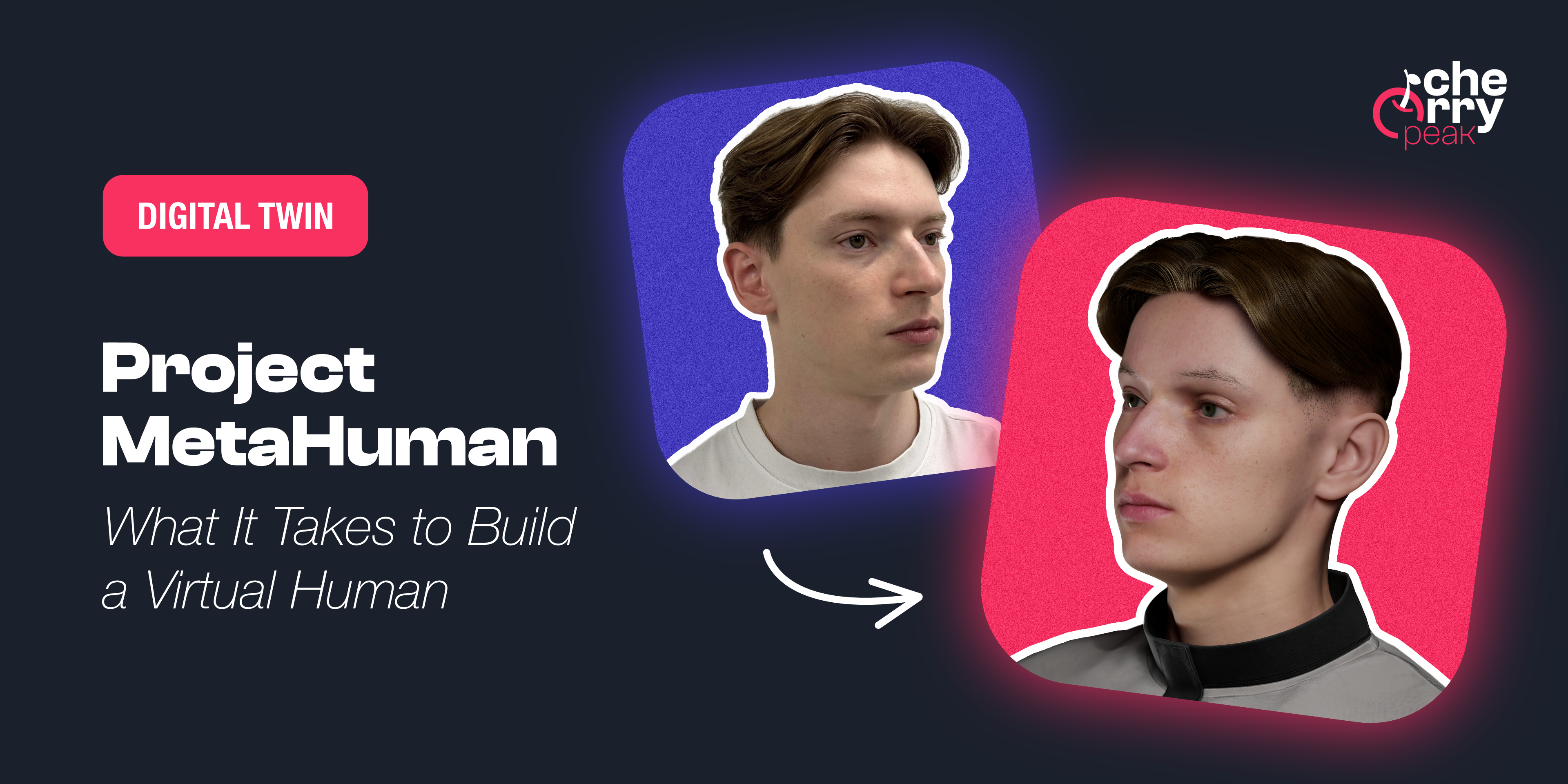
Project MetaHuman: What It Takes to Build a Virtual Human
A developer's journey into creating a photorealistic digital twin using Unreal Engine's MetaHuman framework, from smartphone scanning to final render.

Samuel Kubinsky
December 1, 2025
5 min read
Dev Log: "I’m a mobile app developer. I build UIs, I write logic, and I debug code. I am definitely not a 3D artist. But when my boss asked if we could create a MetaHuman, I didn't say 'Sir, this is a mobile app company.' Instead, my chronic inability to say no to a challenge kicked in. I love learning new things, so I confidently said 'Absolutely!'—then immediately went to Google to figure out how. Spoiler: It’s possible, but it’s a wild ride."
The Mission
We’ve all seen the tech demos. Unreal Engine’s MetaHumans look incredible—pores, micro-expressions, the way light scatters through ears. But usually, these are created by teams of artists with expensive rigs. I wanted to know: Can a regular developer with a smartphone and a PC do this?
This series isn't a step-by-step tutorial (I’ll link the amazing videos I learned from along the way). Instead, this is a chronicle of my journey—the "gotchas," the tips I wish I knew, and the creative decisions that turned a raw scan into a digital human.
If you are doing this for the first time, expect to spend a week or two just learning and experimenting.
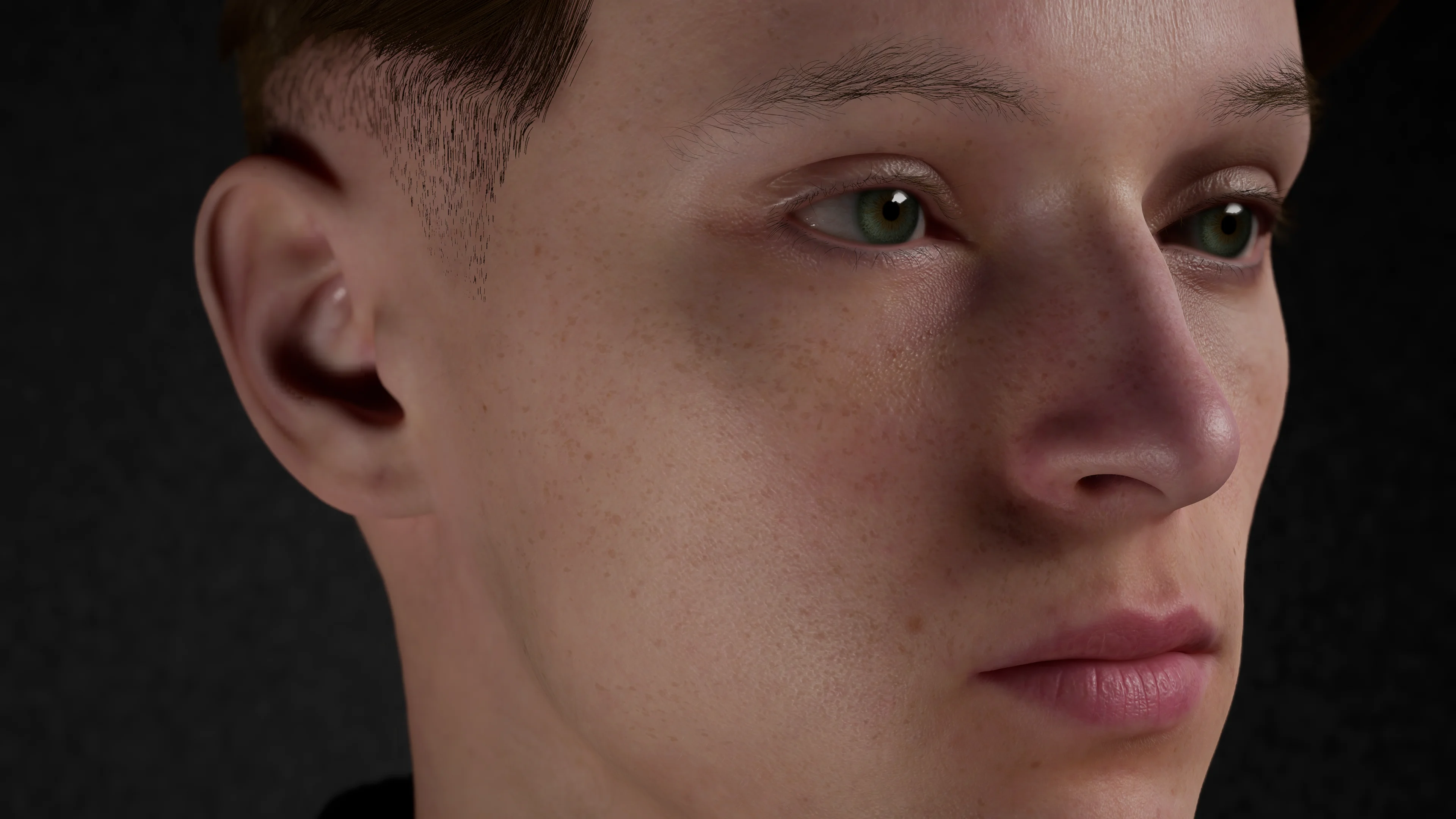
To prove it’s possible, here is the final result: a comparison between a real photo of me and two unedited 4K renders straight out of Unreal Engine.
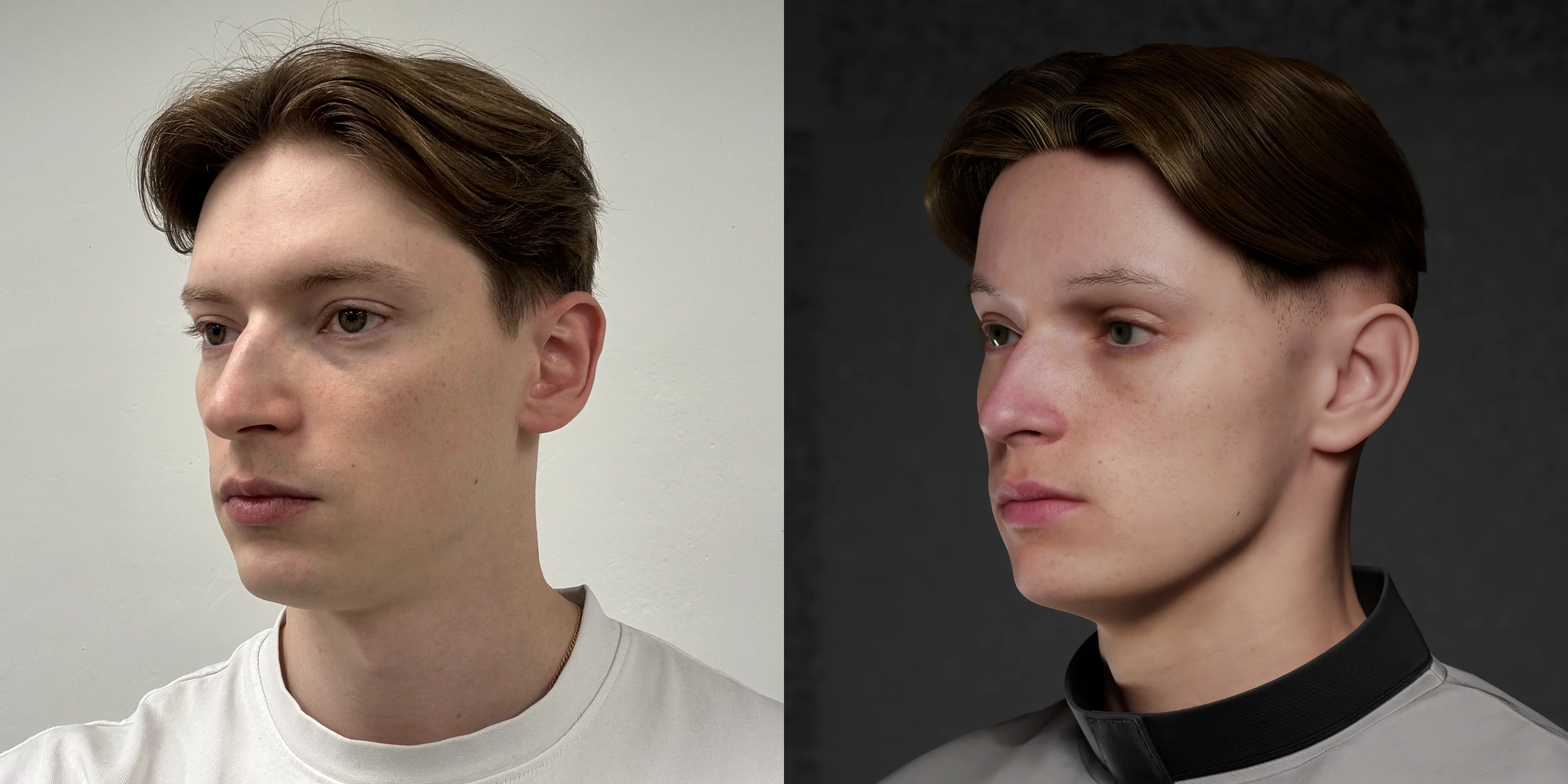 The Result: Real Photo vs. Render. Lighting and angles vary slightly—matching reality 1:1 is a challenge!
Why Build a Digital Twin?
Beyond the cool factor, having a high-fidelity digital version of yourself opens up some insane possibilities:
- Indie Game Dev: Why buy assets when you can be the main character in your own game?
- AI & Virtual Assistants: Imagine hooking your twin up to an LLM and NVIDIA ACE to create a digital assistant that speaks with your voice and face.
- Content Creation: The ultimate VTuber avatar for streaming or video intros.
The Toolkit
You don't need a Hollywood budget. Here is the stack I used:
- Smartphone: For the initial scan (I used an iPhone).
- Unreal Engine 5.7: The engine that powers the MetaHuman framework.
- Blender 5.0: For mesh cleanup, texture extraction, and hair grooming.
- Photoshop / Affinity: For texture editing.
Tip: All of these software tools have free versions or are completely free. I did this on a beefy Windows PC, but with Unreal Engine 5.7 bringing MetaHuman support to macOS, you might be able to pull this off on a Mac too.
The Roadmap
We are starting with the core 6 steps to get the visual model ready. But this is just the foundation—we might expand into AI, voice synthesis, and more in future posts.
Part 1: Scanning
It all starts with data. I used Apple's Object Capture API to take over 90 photos of my head. We’ll talk about lighting, angles, and why "looking natural" is actually the wrong approach.
Part 2: Identity
Raw scans are messy. I’ll show you how I stripped the mesh down to just the face and used Unreal’s MetaHuman Identity tool to solve the geometry. This is where the magic happens—turning a static rock-like mesh into a riggable face.
Part 3: Grooming
MetaHuman presets are great, but they didn't look like me. I exported the skeleton to Blender and used Curves-based hair system to groom custom hair, then imported it back into Unreal.
Part 4: Texturing
A perfect face looks fake. I used KeenTools in Blender to project my actual skin texture from the photos onto the mesh, then merged it with the MetaHuman skin in Unreal. We’ll cover how to add those specific moles and scars that make you, you.
Part 5: Animation
A static model is just a statue. We’ll look at how to hook up the rig and get the face moving.
Part 6: Rendering
Finally, we’ll set up a cinematic scene. Lighting is 50% of the realism. We’ll export the final high-res images that make your friends ask, "Wait, is that a photo?"
Join me in the next post (whenever it’s ready!) where we start with the most awkward part of the process: convincing a friend to walk in slow circles around you while you try not to blink.
Related Articles
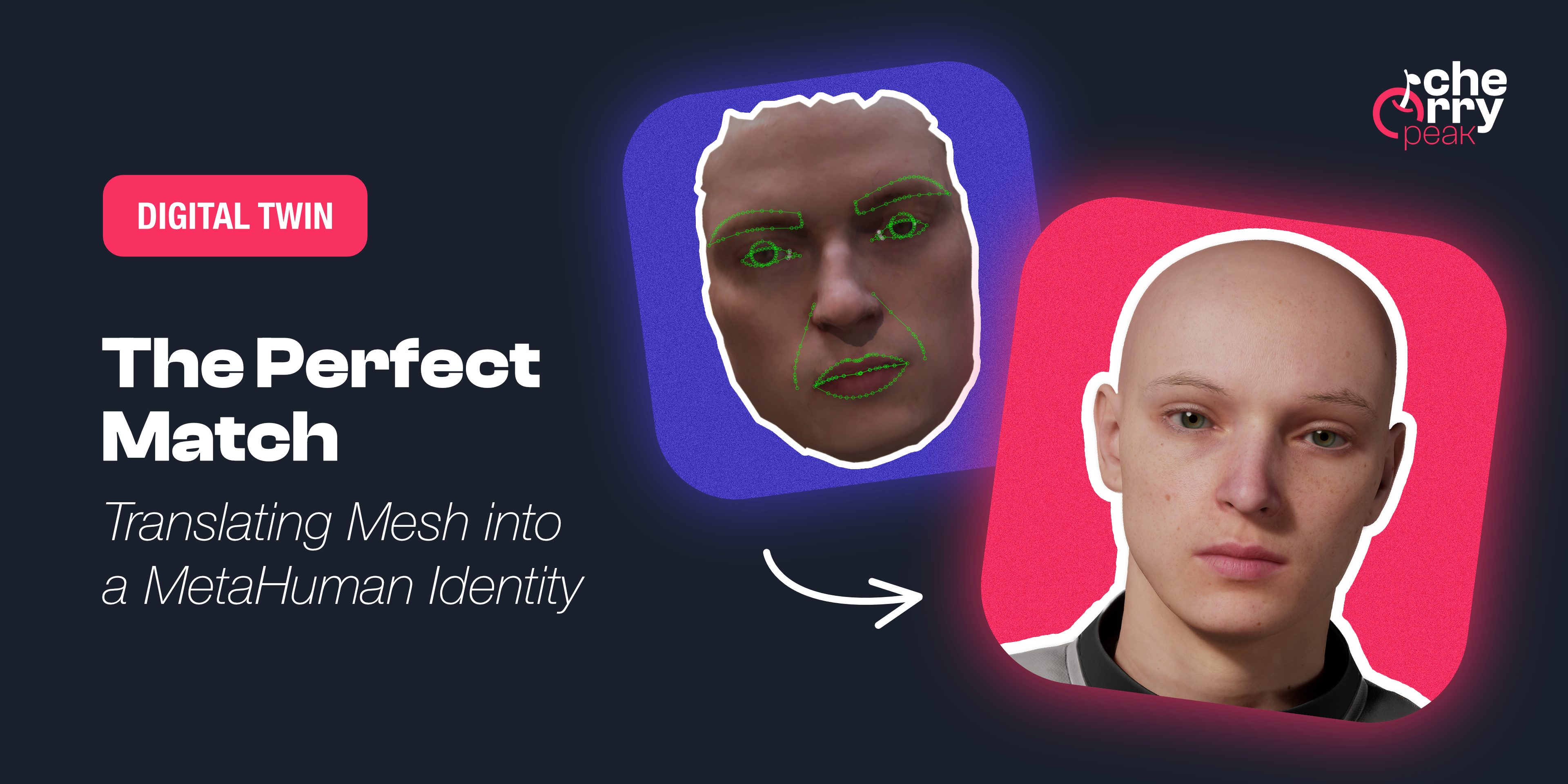
The Perfect Match: Translating Mesh into a MetaHuman Identity
Turn your raw 3D scan into a riggable MetaHuman. From trimming the mesh in Blender to Identity Solve and building the character in Unreal Engine, the face of your digital twin.
Dec 18, 2025
6 min read
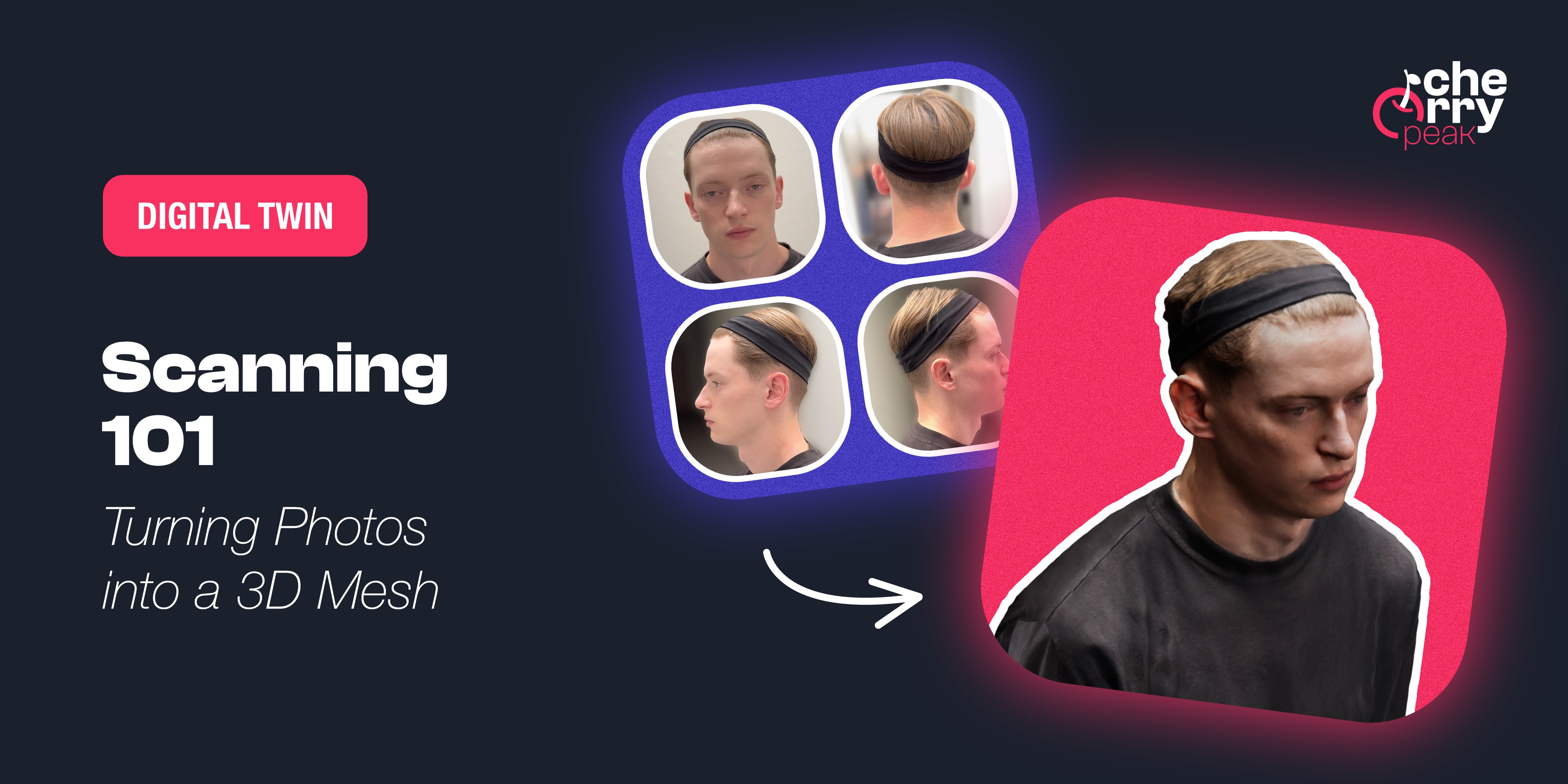
Scanning 101: Turning Photos into a 3D Mesh
Learn how to capture a high-quality 3D scan of your face using photogrammetry. From Apple's Object Capture to Polycam, discover the tools and techniques for creating the foundation of your MetaHuman.
Dec 10, 2025
4 min read
How Augmented reality (AR) is changing the way we design digital products
Augmented Reality has emerged as a transformative force in digital product design, fundamentally altering how we approach user experience, interface design, and product development.
Mar 20, 2024
6 min read